
Long-term review
QIDI Q1 Pro after 600 hours: the materials-first choice
The Q1 Pro is not the neatest or most polished printer in its class. It is, however, one of the most convincing arguments for buying a heated chamber before you think you need one.
600+hours in service
55°Cchamber heat in use
245 mmcubed build volume
The short verdict
Buy it for ABS, ASA and nylon—not because it happens to print PLA.
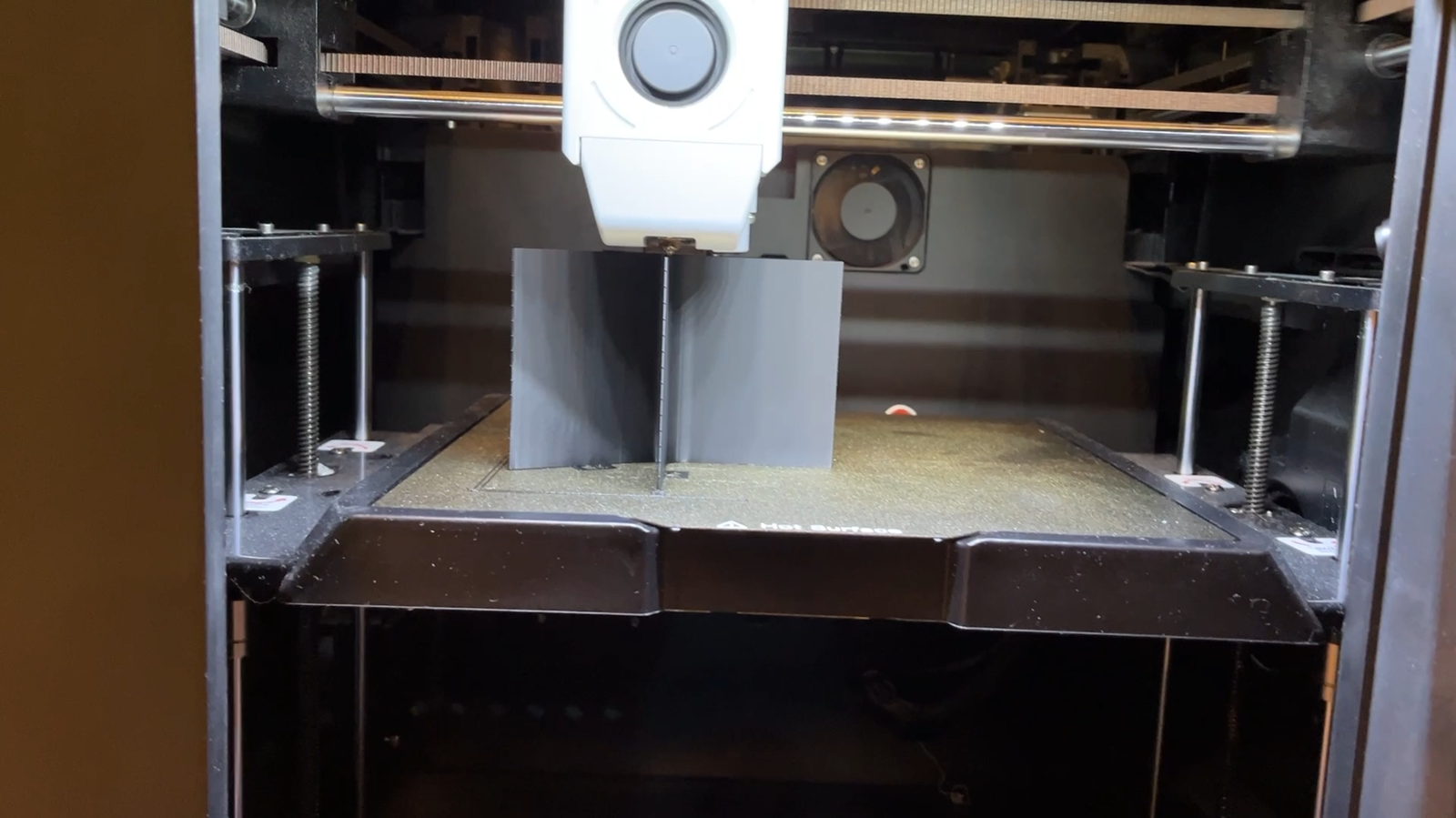
After more than 600 hours with an early pre-order machine, the Q1 Pro has earned its place as a serious material printer. It delivers the clean, fast output expected from a modern enclosed machine, but its real strength is the active heated chamber. When the job calls for ABS, ASA, nylon or another material that punishes a cold draft, the Q1 Pro makes that work feel routine rather than precarious.
There is a sensible qualification. This is a large, 20 kg printer around a modest 245 mm cubed build volume, and its software experience does not have Bambu Lab’s finish. Makers who mostly print PLA may find it more machine than they need. Those who regularly print demanding materials will see the point immediately.
Experienced makers and small workshops that need reliable ABS, ASA, nylon and other heat-sensitive materials without moving into a far more expensive machine.
Precision and materials
A strong first layer, then the sort of accuracy functional parts demand.
Print quality has remained consistent through the review period. The Q1 Pro produces surface quality comparable to the Bambu Lab P1P, while parts that must mate or fit together have shown even better dimensional precision in day-to-day work. That matters more than a handsome benchmark: it is the difference between a prototype that looks right and a part that works first time.
The first layer is a particular strength. Automatic bed levelling removes the ritual of paper shims, while dual Z motors help the machine compensate for small imperfections. Z offset remains accessible from the touchscreen when it is needed, but it has not been a routine intervention. In this test, first-layer failure simply has not been the recurring risk it is on many printers.
The right features, in the right places.
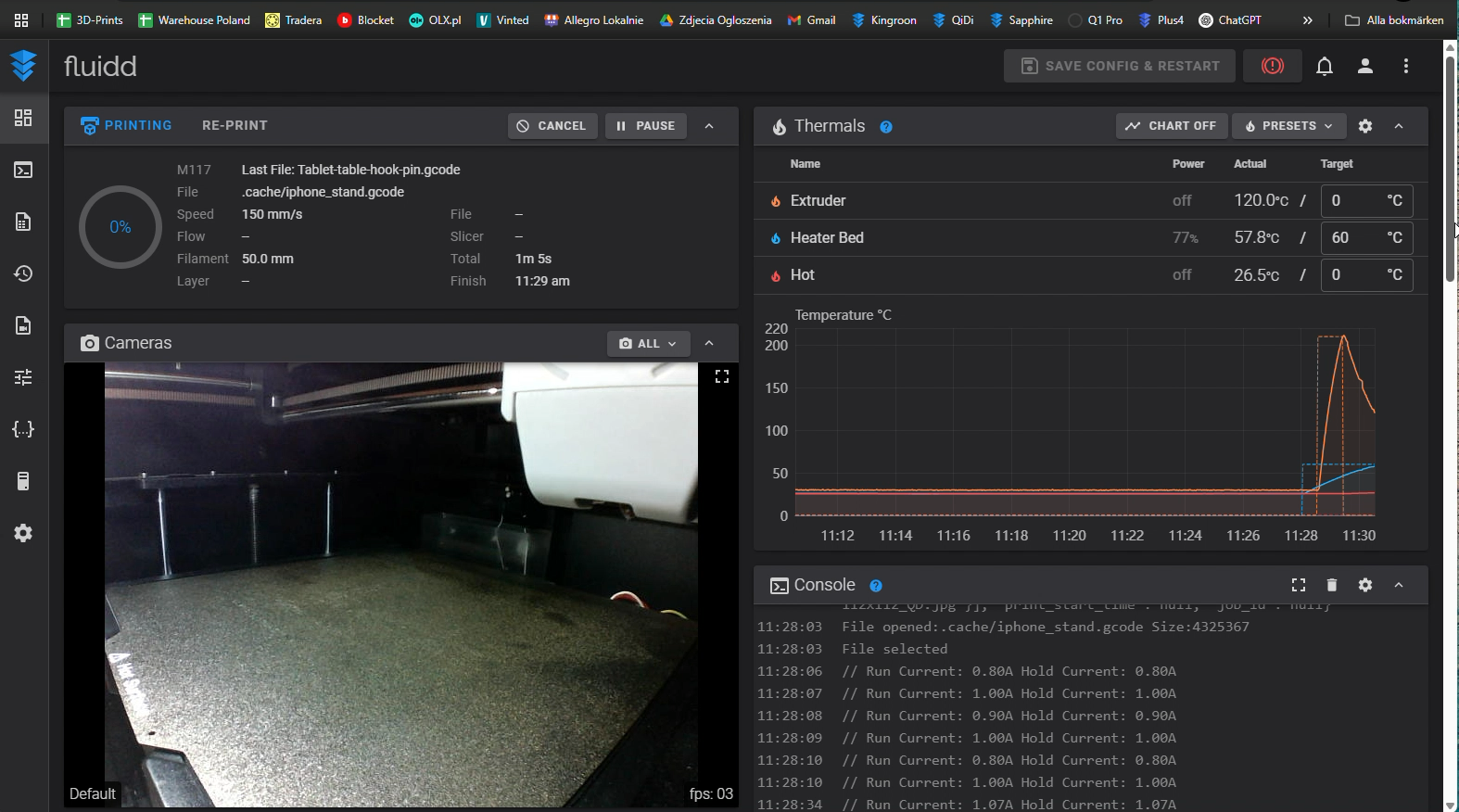
QIDI runs Klipper and leaves its parameters accessible over Wi-Fi, which is a meaningful advantage for anyone who wants more than a sealed appliance. The built-in camera is smooth enough to be useful and sits in a sensible position. Browser monitoring works well, as does the companion phone app, even if that app offers fewer refinements than Bambu’s.
Most important, the chamber heater reaches about 55°C in use. With the enclosed build space, a high-temperature nozzle and a heated bed, ABS and ASA can be treated much more like ordinary materials: prints have stayed flat instead of curling away from the plate. This is the Q1 Pro’s defining feature, not a footnote on the specification sheet.
The compromises
It feels like a powerful printer designed by people who expected you to meet it halfway.
Space and handling
At roughly 477 × 467 × 489 mm and 20 kg, the Q1 Pro is bulky for its 245 mm cubed build area. The rear-mounted spool holder is also awkward when the printer lives close to a wall.
Software polish
The touchscreen is clear but can become slow when its file list is full of thumbnails. QIDI Slicer has improved, yet its settings are not as easy to find or as well arranged as Bambu Studio. OrcaSlicer is a worthwhile alternative, with a Q1 Pro profile and direct IP-based sending.
Workshop details
A carbon or HEPA filter would make more sense on a printer aimed at ABS and ASA work. It is also worth planning the filament path before the machine is in its final position.
Reliability and support
One early-batch issue, handled as support should handle it.
At around the 400-hour mark, the reviewed printer developed visible artifacts and vibration. QIDI support identified a slightly loose toolhead on its bearing, supplied a clear instruction video and the adjustment took about ten minutes. The issue disappeared afterwards. An early pre-order unit is not a universal reliability verdict, but the response is relevant: the support was fast, specific and effective rather than evasive.
Allow for ordinary checks on a first-generation machine. The mechanical issue was straightforward to diagnose and fix, and no continuing quality or first-layer problem followed it.
Scorecard
The long-term numbers.
Print quality
8/10Clean, well-controlled results with especially strong dimensional accuracy.
First layer
8.5/10Automatic levelling and dual Z motors make the first layer unusually dependable.
User experience
6/10Open and capable, but a large footprint, a laggy screen and a weaker slicer take their toll.
Features
8/10Klipper access, a heated chamber, camera, dual Z and useful remote controls are a serious package.
Value
9/10For material capability and print quality, it is difficult to match at its price point.
Final word
For demanding filaments, this is the Q1 Pro’s territory.
The Q1 Pro is not the automatic recommendation for a first printer or a PLA-only desk toy. It is better understood as a compact production tool for materials that benefit from heat, stability and a little mechanical seriousness. If that is the work you intend to do, its value is unusually persuasive. If it is not, buy the smaller, simpler printer and enjoy the saved space.
Read the Bambu Studio guide