Long-term review
Bambu Lab P1P after 5,000 hours: still a great buy?
Two printers, roughly 5,000 combined hours and plenty of everyday parts later, the P1P remains one of the easiest ways into fast, dependable FDM printing. Its limits are just as clear.
5,000combined print hours
2early-release P1Ps tested
256 mmcubed build volume
The short verdict
A remarkably low-drama printer for PLA, PETG and TPU.
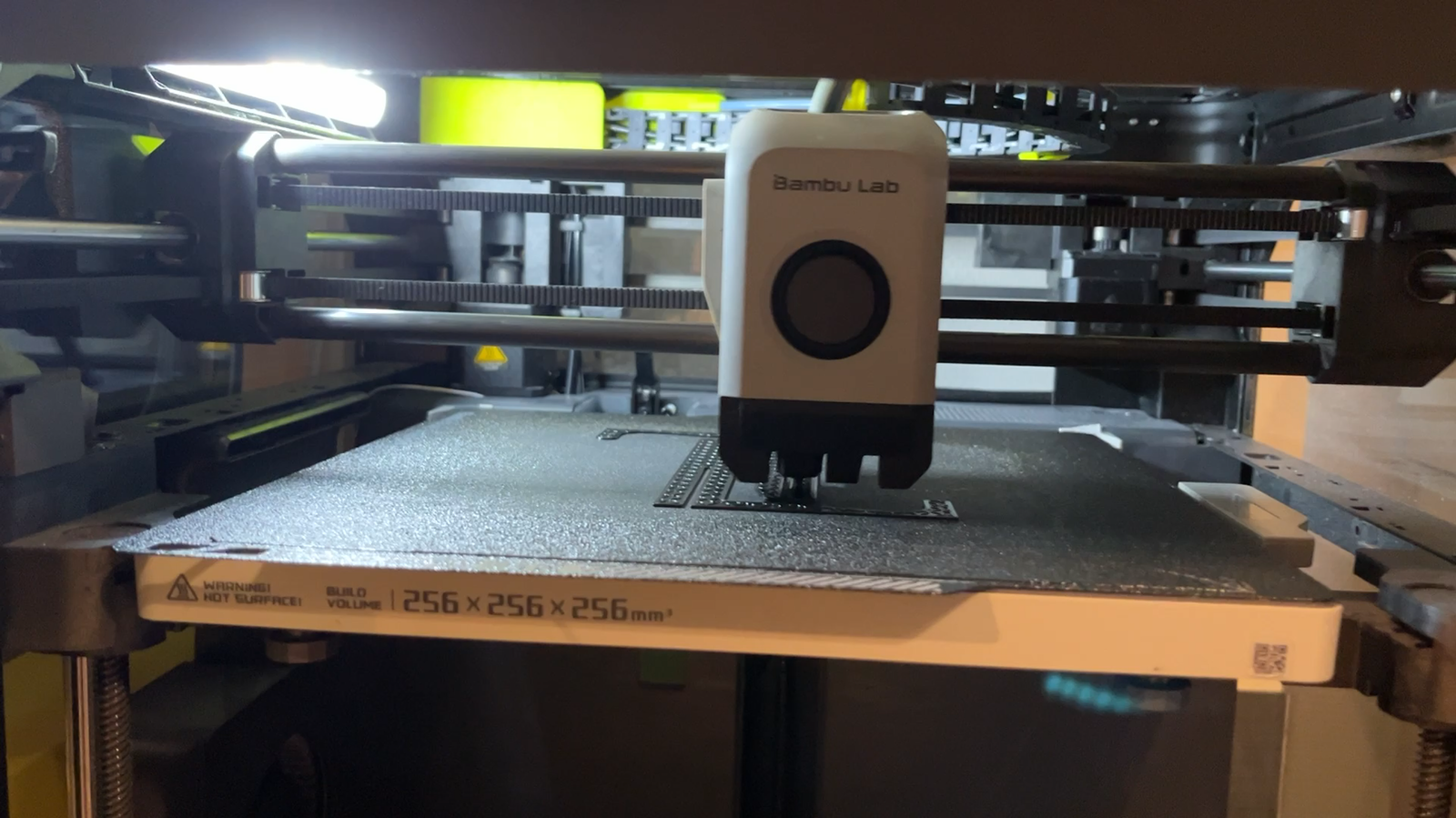
After thousands of hours split across two early-release machines, the strongest case for the P1P is not one headline specification. It is the confidence to send a job, check the first layer if you wish, and get on with the day. Print quality stays impressive at the speeds this class of printer was built for, while Bambu Studio, the mobile app and remote monitoring remove much of the friction that used to come with desktop FDM printing.
It is not the right answer for every workshop. The open frame is loud, the camera is only good enough for a quick status check, and materials such as ABS and ASA need a proper enclosure. If that is your normal material mix, start with an enclosed P1S or another machine designed for warmer, more demanding jobs.
Makers who want fast, clean PLA, PETG and TPU prints with a polished, genuinely useful software ecosystem.
What worked
Fast is only useful when the result still looks right.
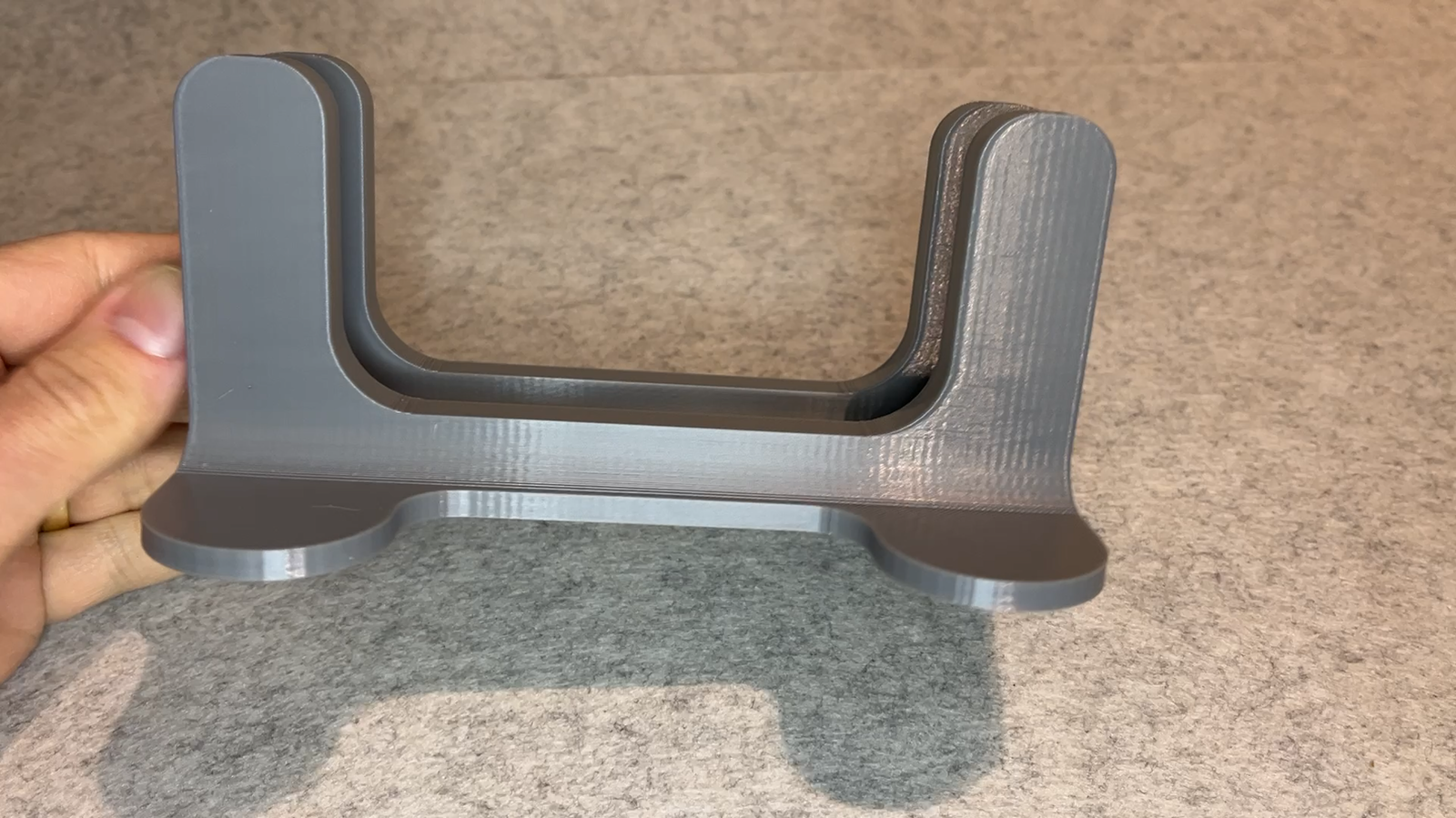
The P1P’s claimed speed is not just marketing on a settings sheet. In long-term use, it pairs high acceleration with dependable detail and surface quality. Stock material presets are well tuned, input shaping does its job, and the direct-drive extruder makes the machine comfortable with everyday flexible and rigid filaments alike.
The first-layer routine is similarly reassuring. Automatic probing delivers a reliable start in the large majority of prints, even though the default full-bed levelling process can feel excessive for a small part. The practical payoff matters more: this is a printer that does not demand constant manual correction before it earns your trust.
The ecosystem is the feature.
Bambu Studio makes the printer approachable without hiding the controls experienced users want. Wi-Fi printing is straightforward, the mobile app provides useful remote control, and the camera lets you confirm that a job is behaving. For multi-part plates, the ability to skip a failed item without abandoning everything else is a genuinely practical touch.
The machine is also compact for its 256 × 256 × 256 mm build volume. Its CoreXY layout is easier to place in a small workspace than many bed-slinger designs, and that matters if one printer turns into two—or a small print farm.
Trade-offs
Its compromises are familiar—and worth taking seriously.
Noise
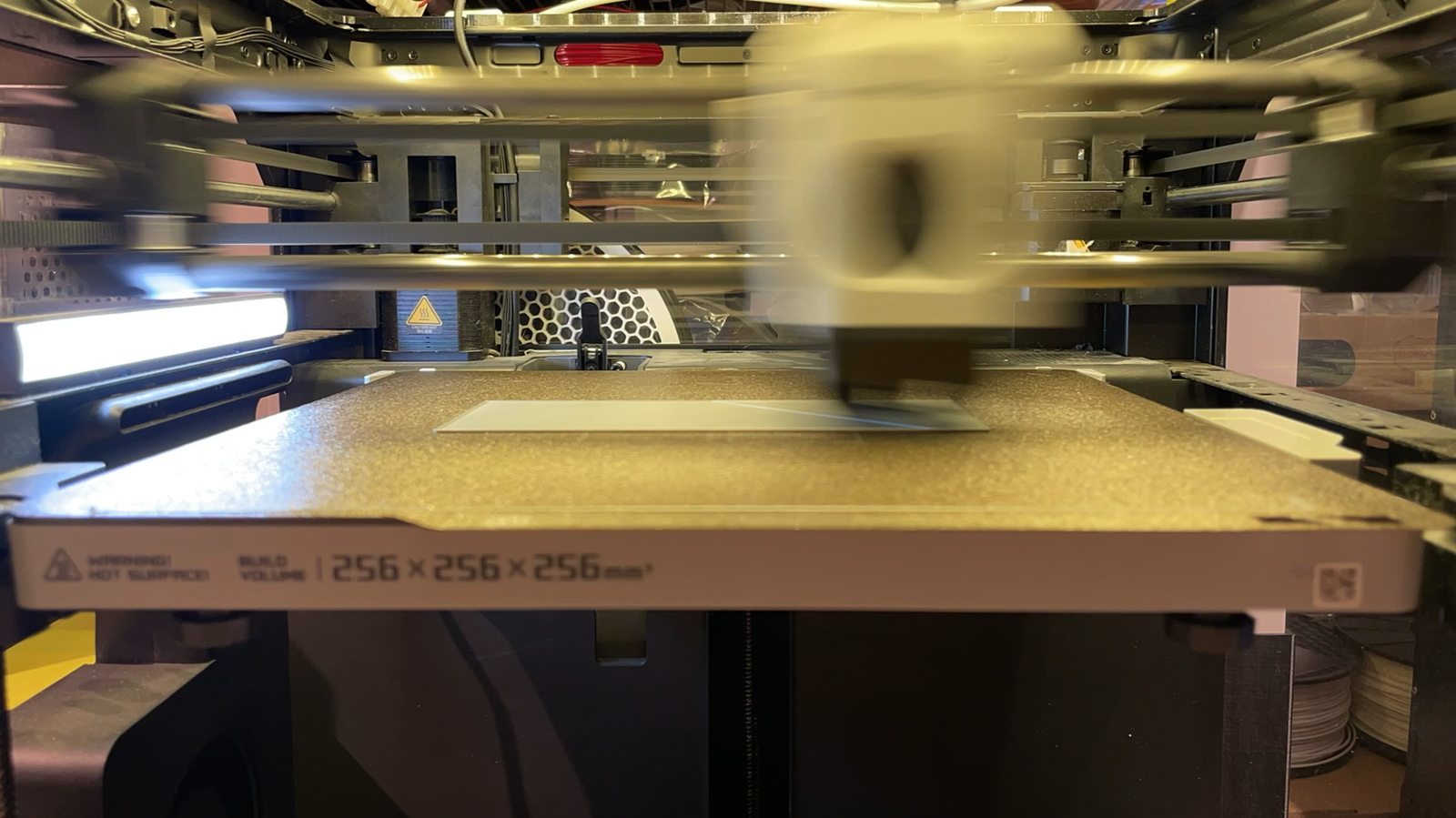
High-speed motion and an open frame make the P1P loud. Software noise cancellation helps, but fan noise remains. A DIY enclosure can reduce it; if you are buying today, compare the cost and effort with an enclosed P1S.
Monitoring and controls
The camera is adequate for checking progress and making a time-lapse, not for close inspection. The onboard screen and processor can also feel basic and sluggish, though remote control makes this less important in daily use.
Material range
The P1P is at home with PLA, PETG and TPU. For ABS, ASA and similar enclosure-dependent materials, move to a P1S or plan a well-designed enclosure instead of treating the open frame as an afterthought.
Reliability and maintenance
Five thousand hours, with no serious repair story.
The two reviewed machines have accumulated about 3,000 and 2,000 hours respectively. So far, routine nozzle changes have been the only maintenance called out. That does not promise a fault-free life for every P1P, but it is the kind of long-term result that changes a recommendation: replacement parts are readily available and reasonably priced, while the day-to-day experience is focused on printing rather than diagnosing the next problem.
Keep consumables on hand, follow normal cleaning and lubrication guidance, and expect the P1P to spend far more time making parts than asking for attention.
Scorecard
The long-term numbers.
Print quality
8/10Strong detail and consistently clean results at high speed.
First layer
8/10Automatic probing makes a dependable start routine, if a little slow.
User experience
8/10The slicer, app, remote access and MakerWorld fit together exceptionally well.
Features
6/10Capable essentials, but a modest camera, basic screen and no enclosure.
Value
7/10Fairly priced, though the open-frame trade-off matters when comparing alternatives.
Final word
Buy the P1P for simple, fast everyday printing. Buy an enclosure when materials demand one.
The P1P still earns a recommendation for people printing mostly PLA, PETG and TPU who value speed, consistency and a system that works together. It feels close to plug-and-play without becoming a closed black box. But if your work depends on ABS, ASA or other temperature-sensitive engineering materials, the more sensible purchase is an enclosed P1S—or a different machine built for that job from day one.
More workshop-tested guides